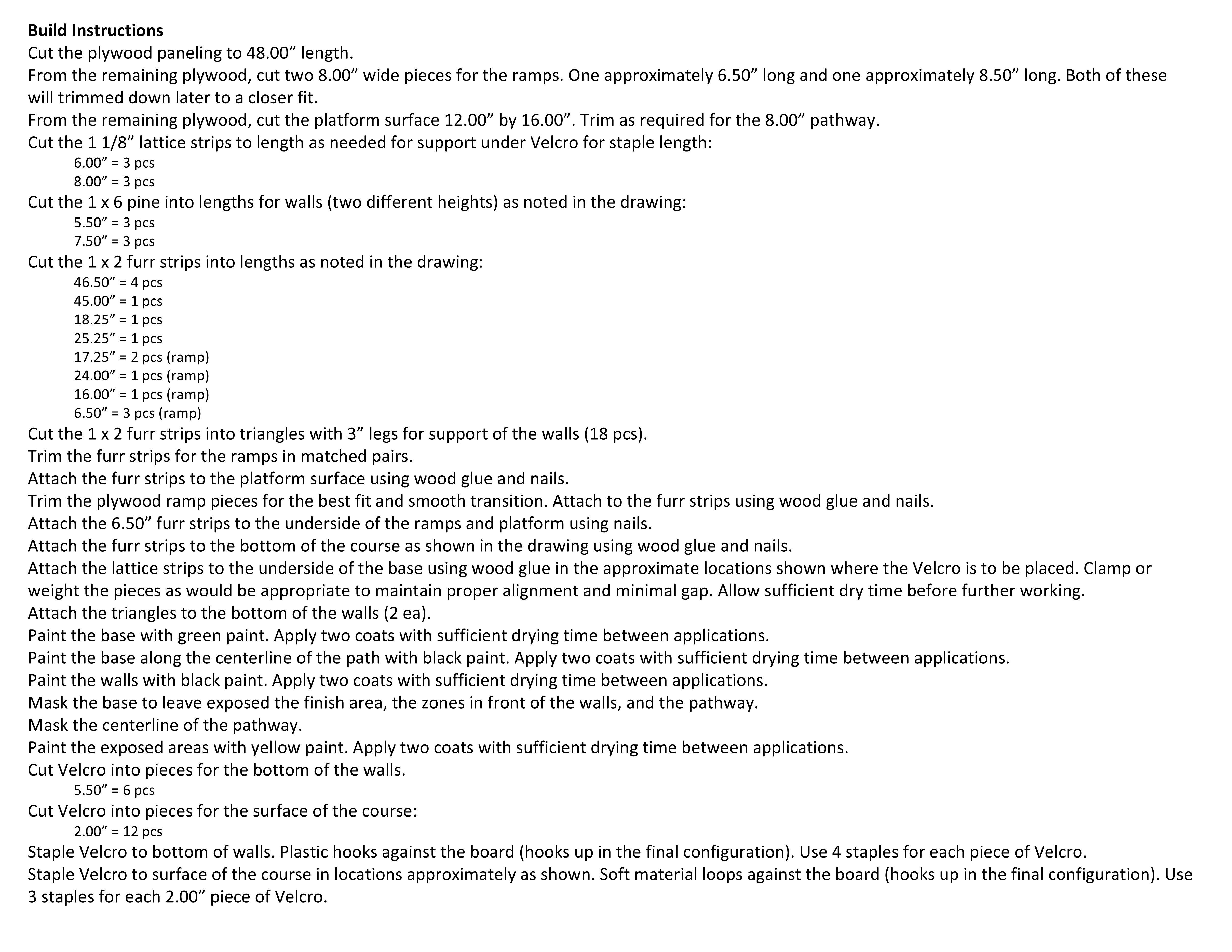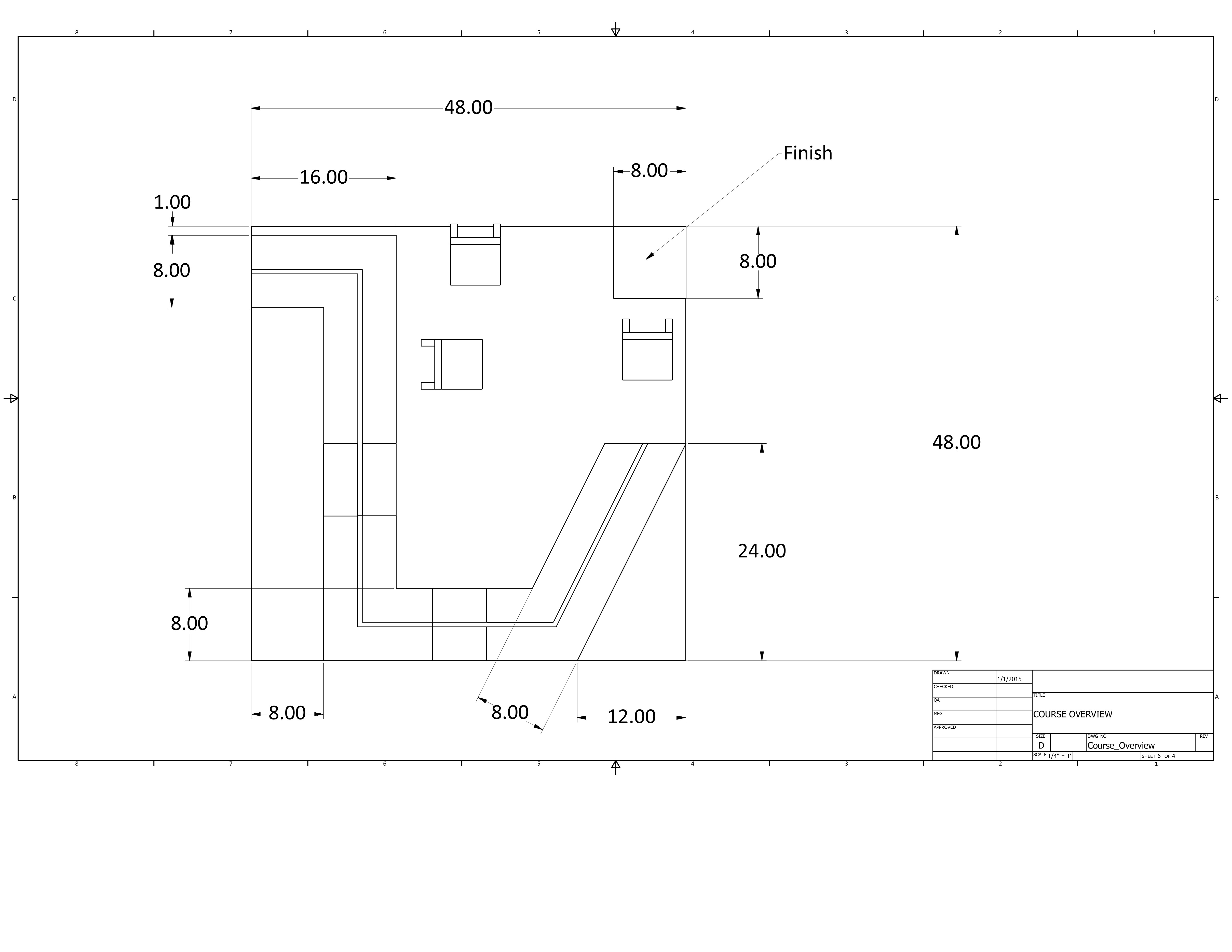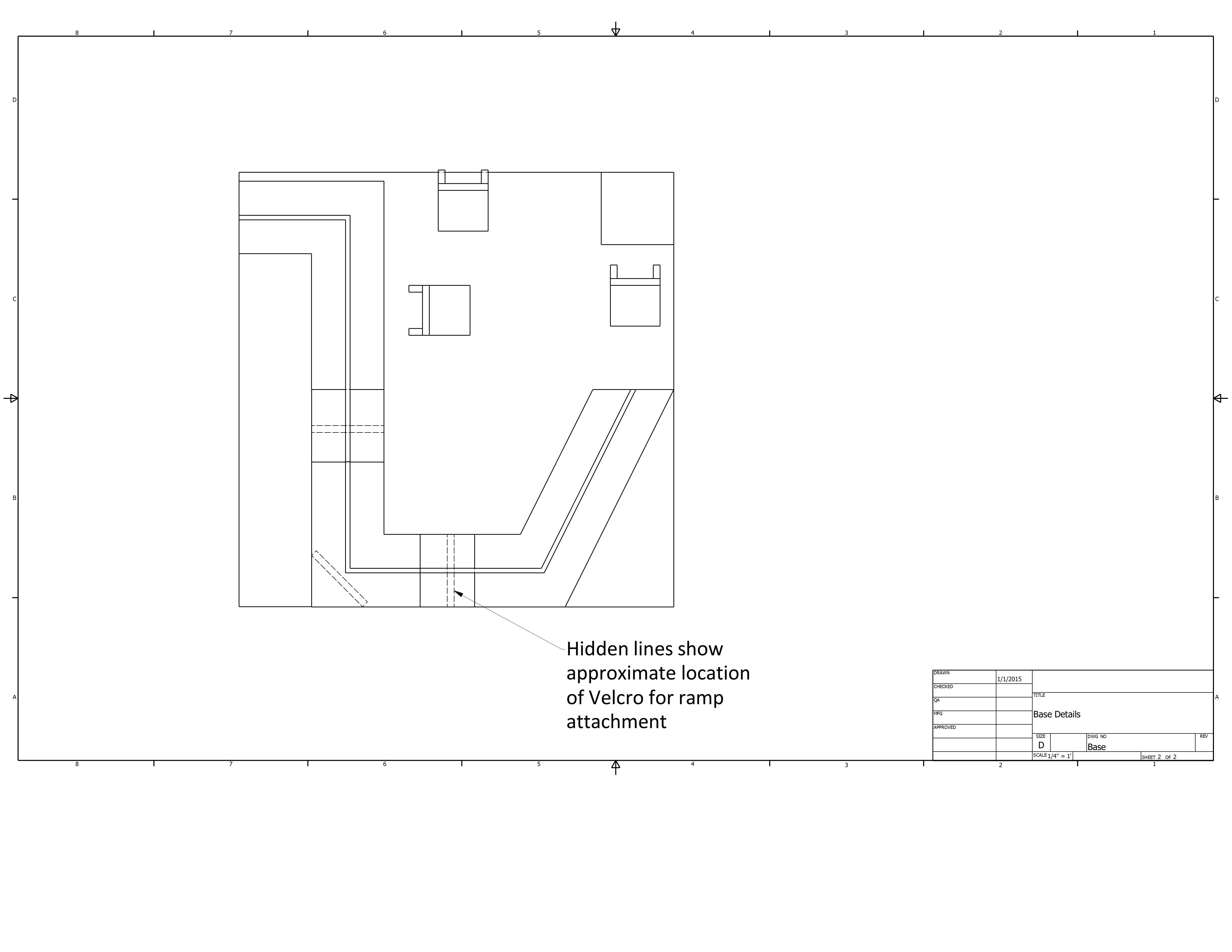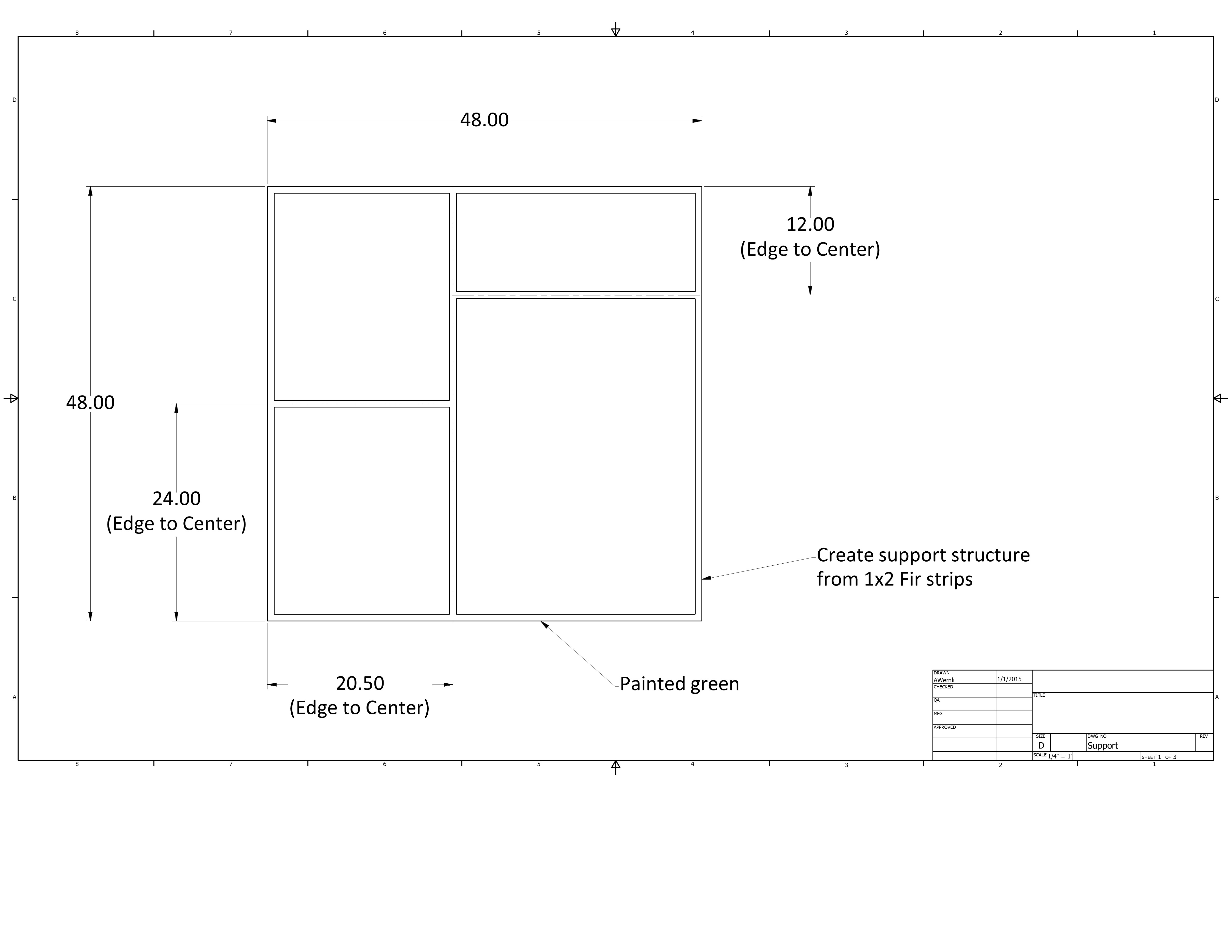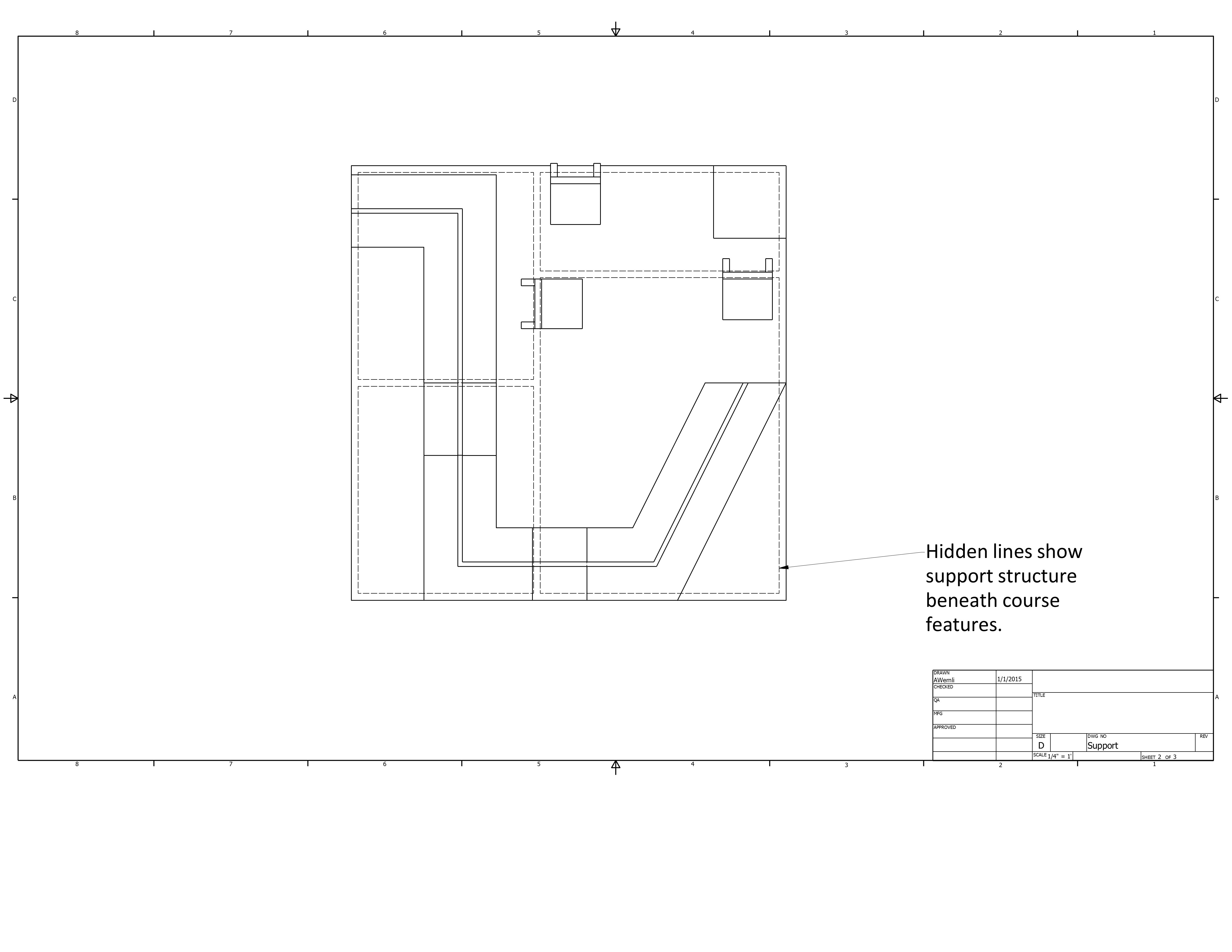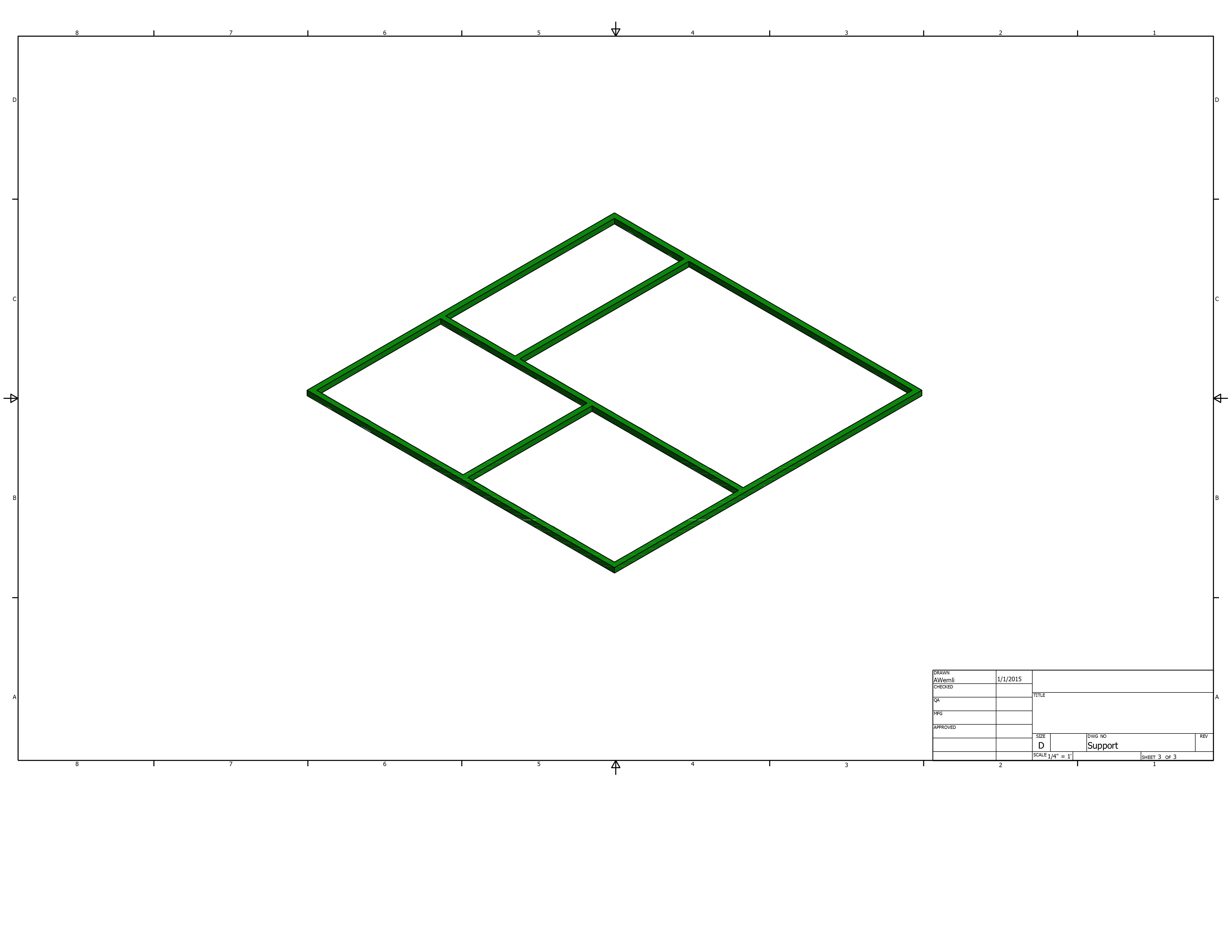
Shocker MINDSTORMS Challenge
MOMS (Multiple Opportunities for Multiple Sensors)
Apprentice Mission (Beginner and Beginner II Teams)
Description:
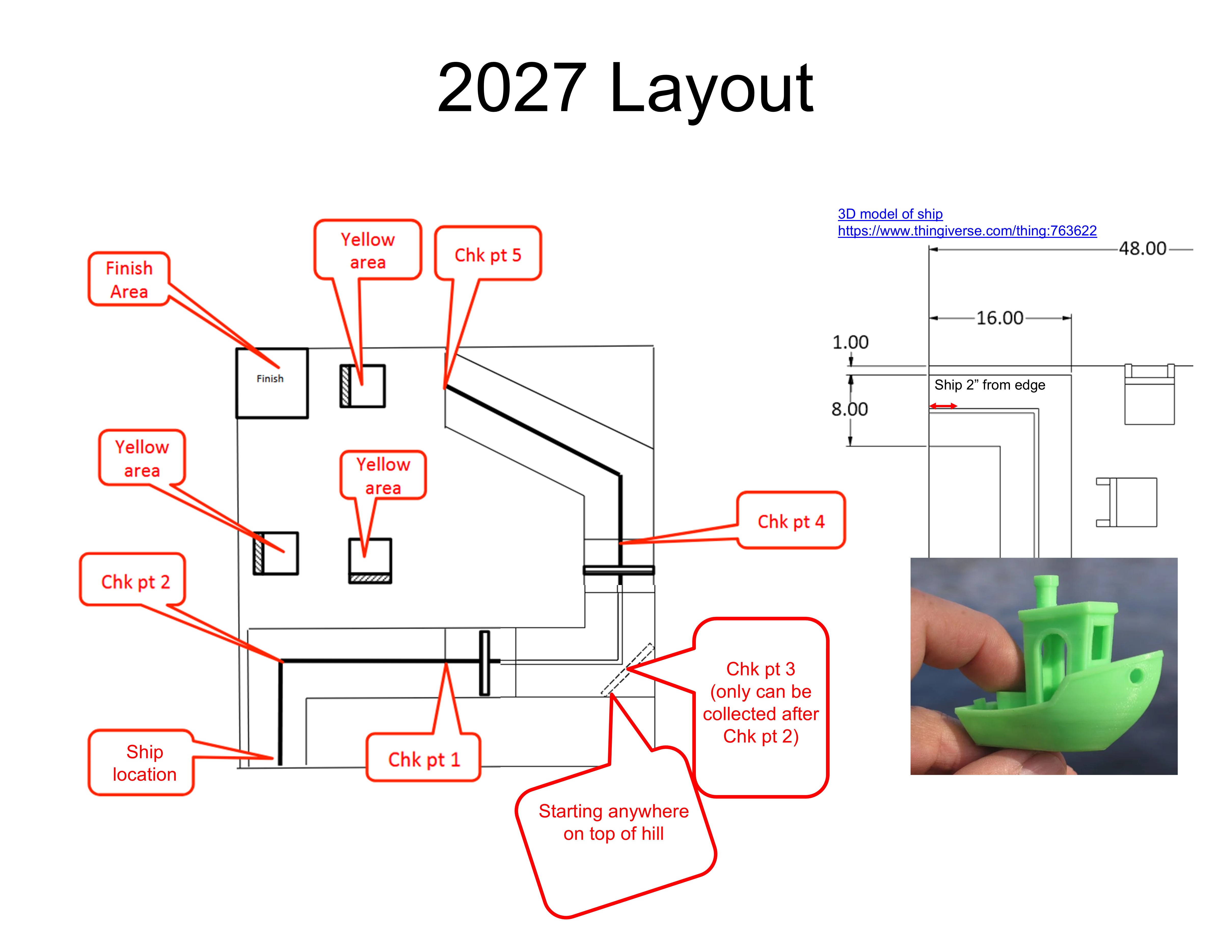
Arrrggg! The Pirates have set sail once again, can you help them navigate these rough waters?
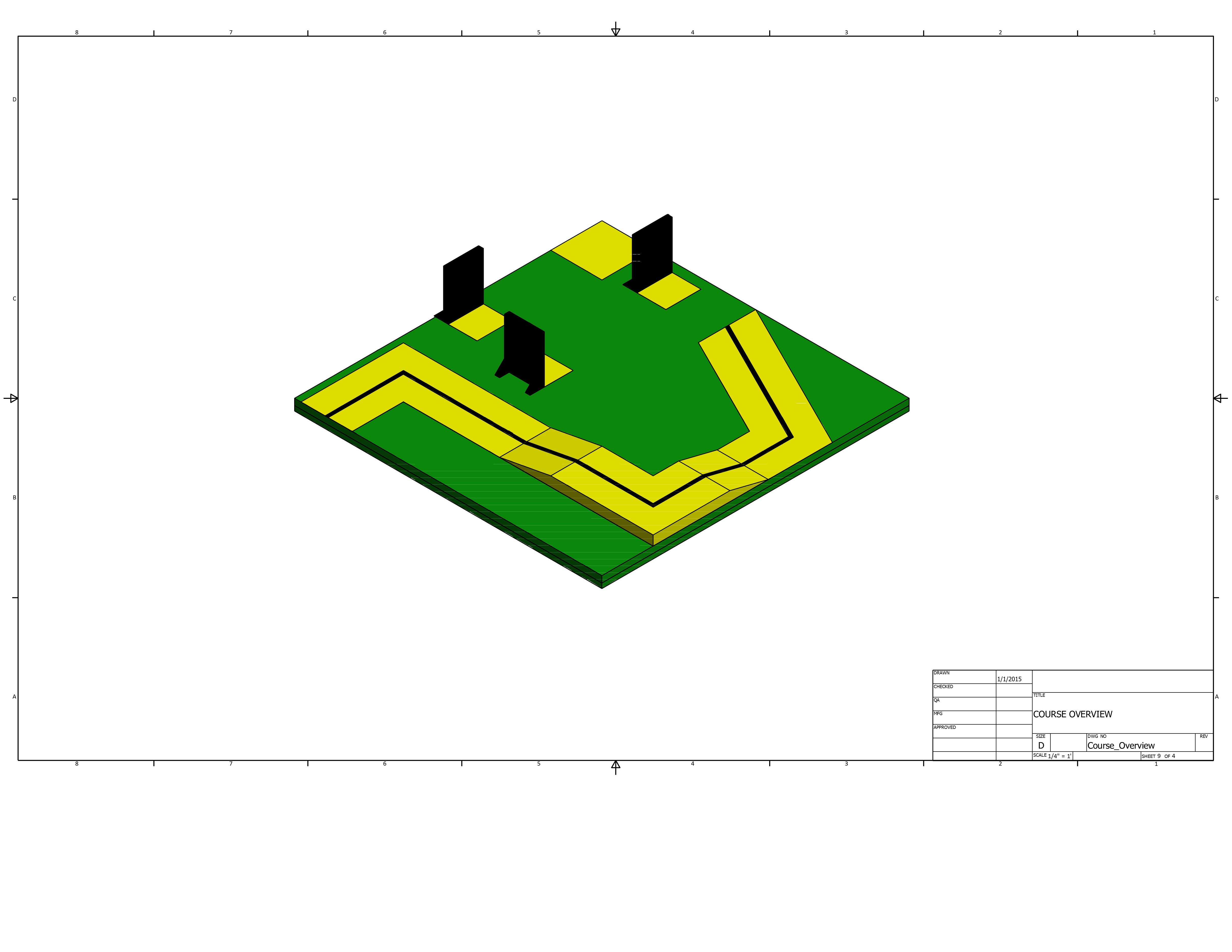
Starting on the top of the hill, you must reach the edge of the world following the line. Push the enemy pirate ship over the edge of the world before returning back over the hill. You must then navigate the rough seas, avoiding obstacles and making it to the finish area.
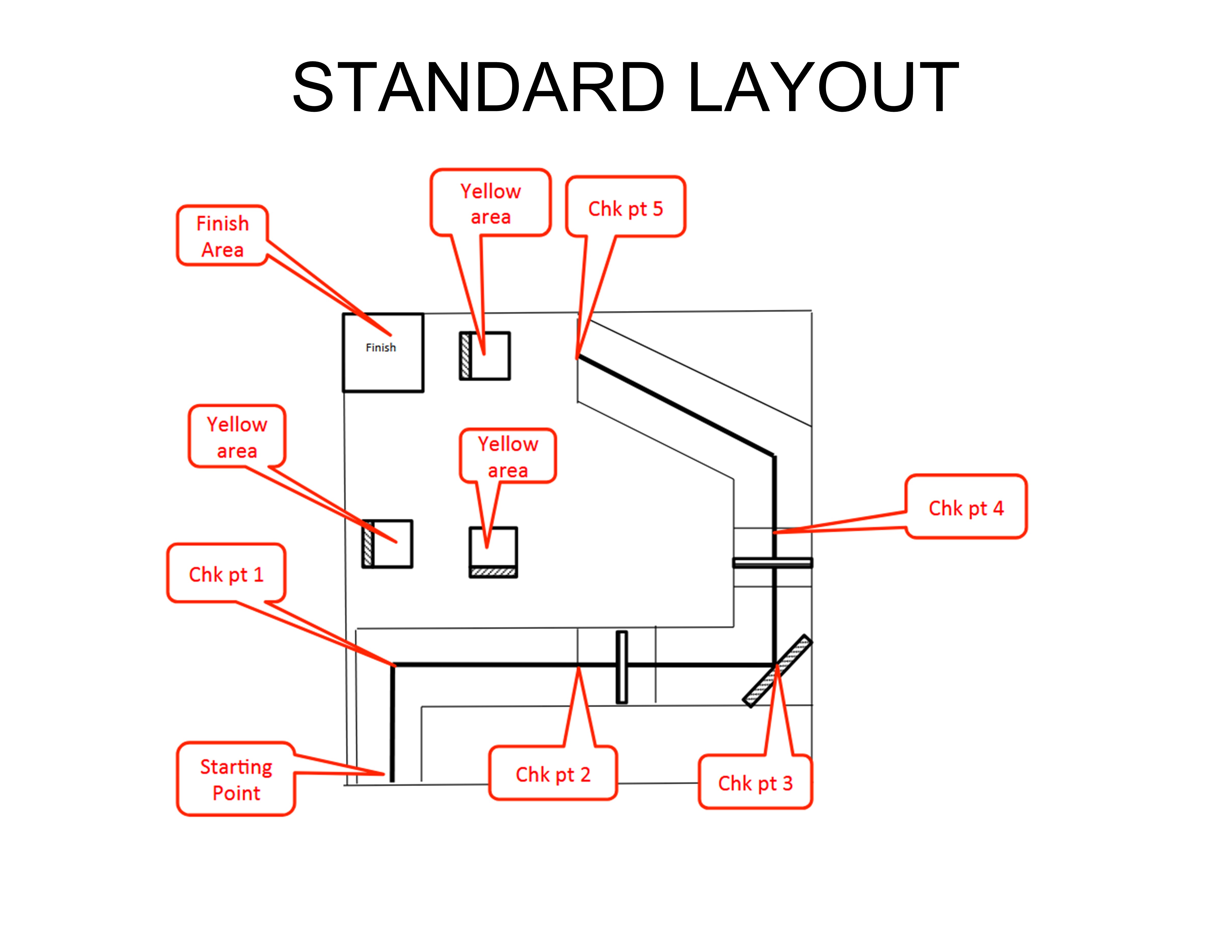
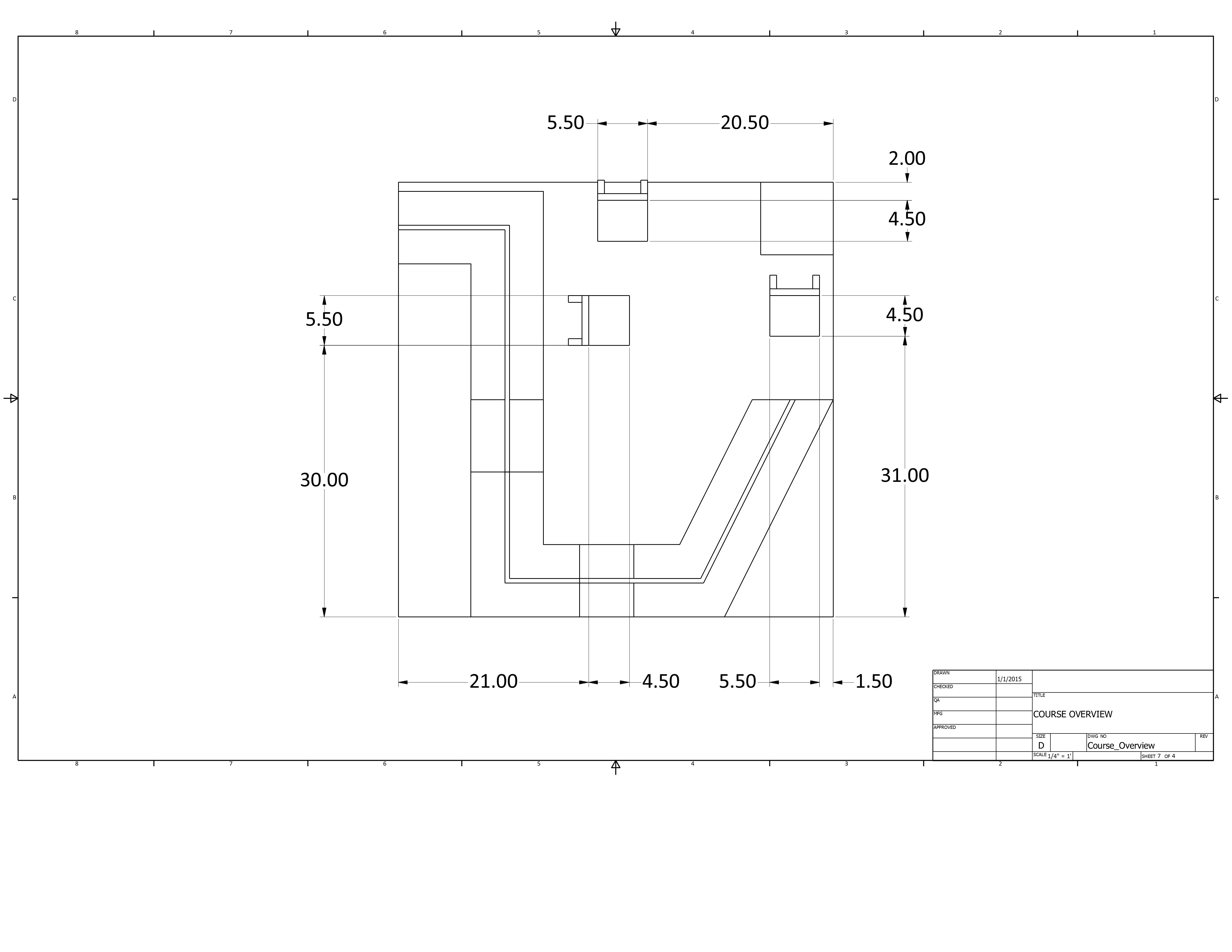
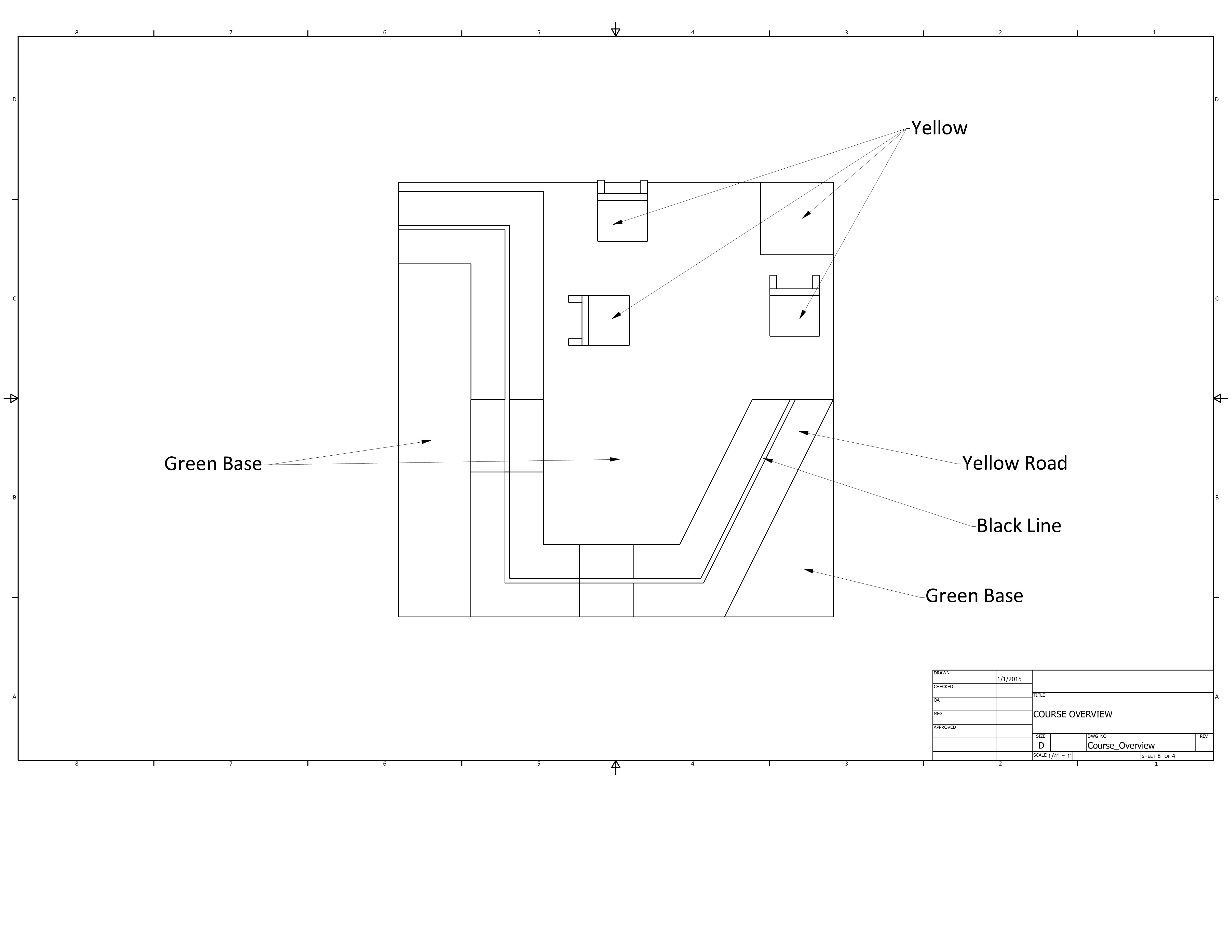
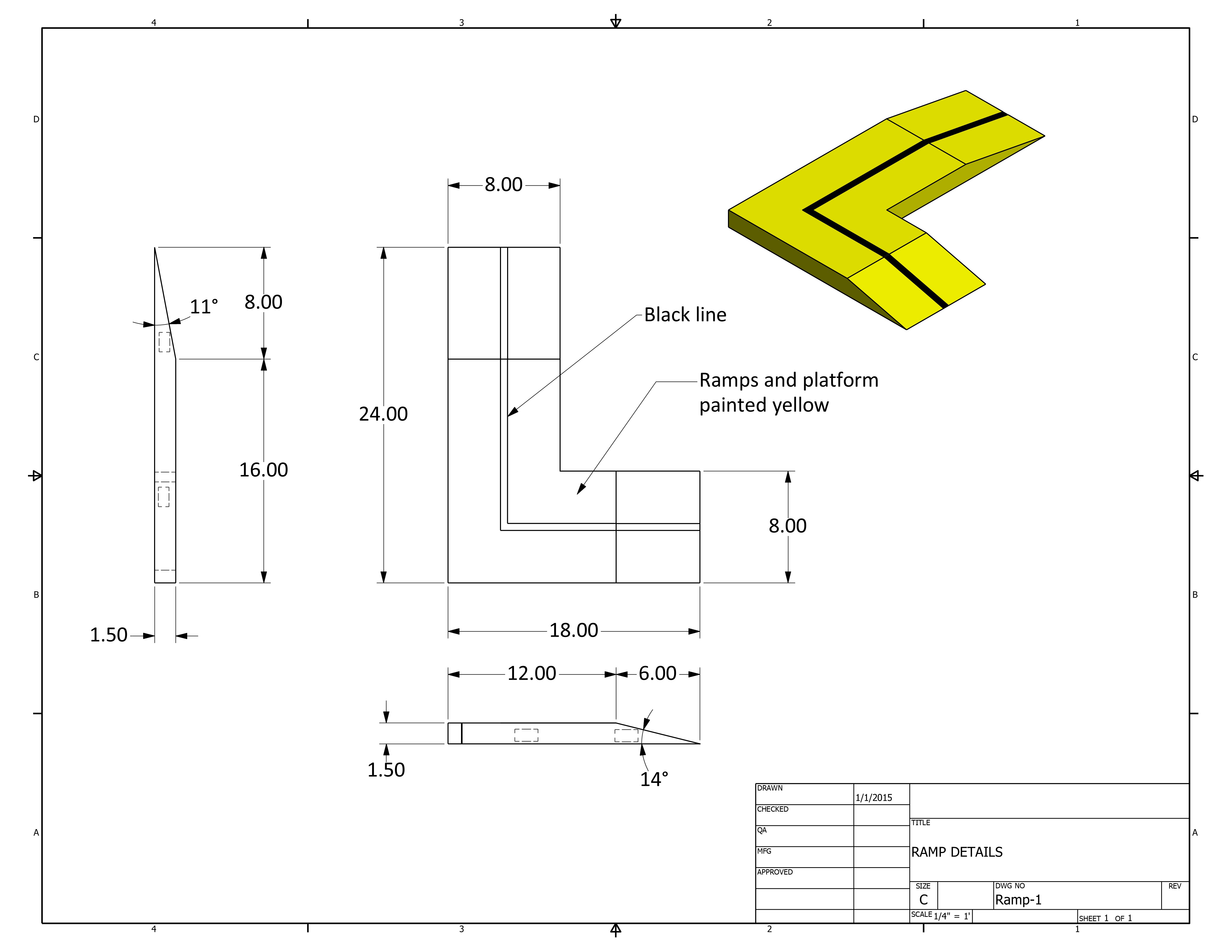
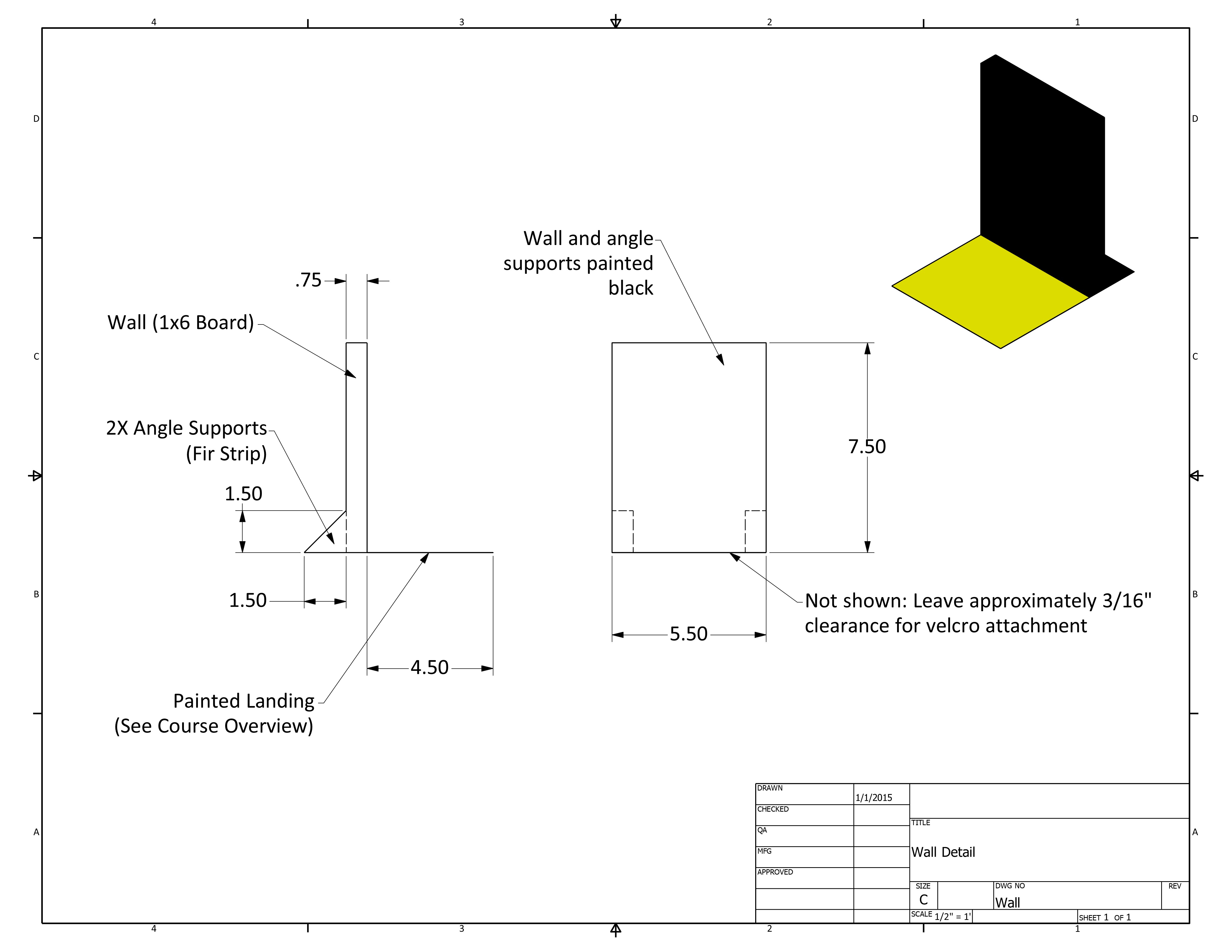
This slightly modified MOMS course can be completed in many ways using multiple sensors (light, color, touch, ultrasonic), or even by counting rotations. Starting on top the bridge, you choose the way to follow the path, climb the bridge, and find the yellow squares, without touching walls!
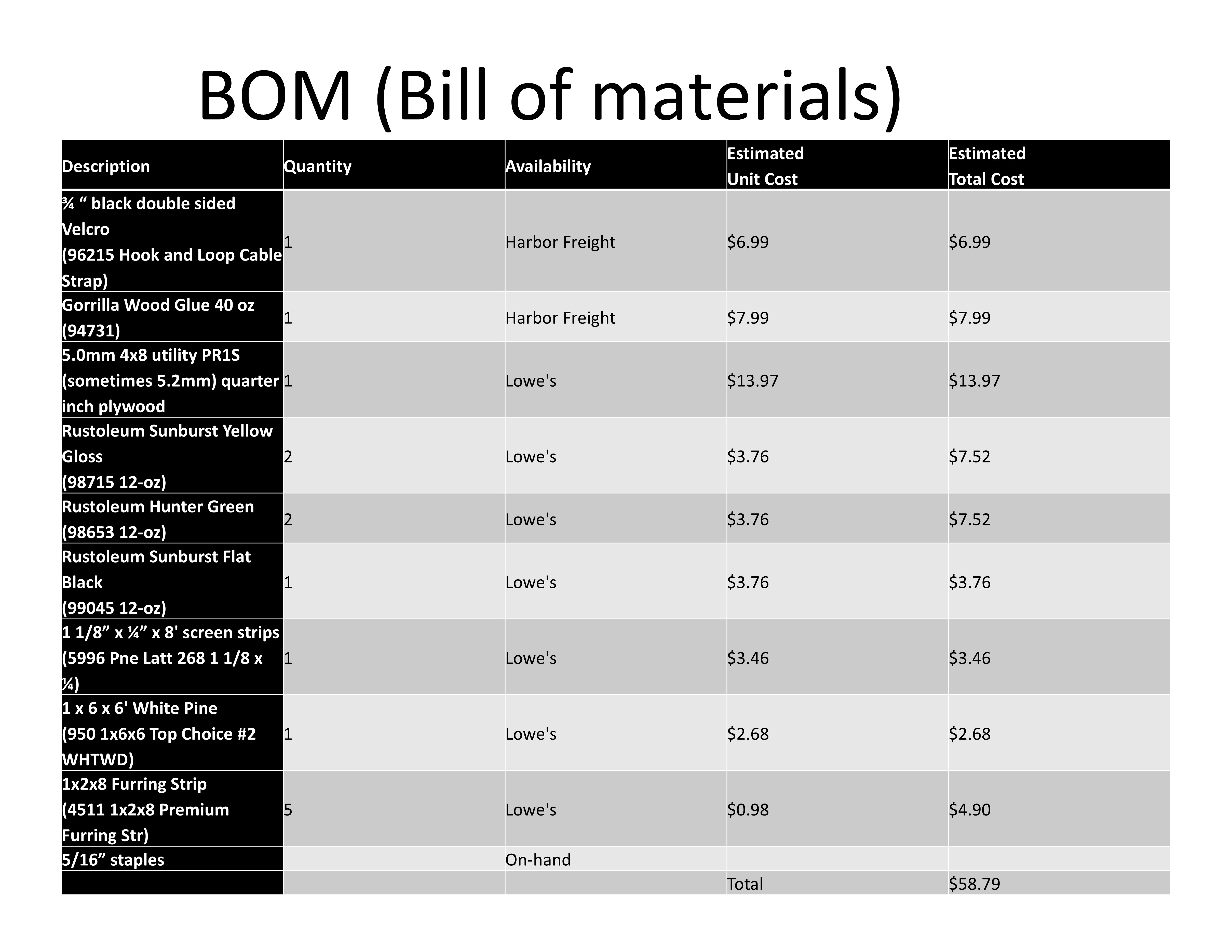
Bill of Materials:
Scoring:
| Task Note:allowed to skip checkpoint 1-3 if desired |
Points |
| Robot starts somewhere on the top of the bridge (entirely supported by bridge) | |
| Any part of robot touches bottom of ramp towards course edge (Checkpoint 1) | 50 |
| Any part of robot passes the corner (Checkpoint 2) | 100 |
| Robot pushes off ship off course edge | 150 |
|
Any part of robot passes corner on top of bridge (Checkpoint 3) Note: this checkpoint can only be obtained if checkpoint 2 achieved |
100 |
| Any part of robot exits the down ramp (Checkpoint 4) | 100 |
| Any part of robot passes Checkpoint 5 |
100 |
| Any part of robot touches the yellow area in front of a wall | 100 |
| Deduct 75 points if robot touches wall |
-75 |
| Any part of the robot touches the second (different) yellow area in front of a wall | 100 |
| Deduct 75 points if robot touches wall |
-75 |
| Any part of the robot touches the third (different) yellow area in front of a wall | 100 |
| Deduct 75 points if robot touches third wall | -75 |
| Any part of robot touches the yellow finish area | 200 |
| Total Possible | 1100 |
Maximum time limit for an official run is 3 minutes. The run will end at 3 minutes and teams will receive the score earned up to that time.